typesafe.sh SOFTWARE / SYSTEMS Contact
ENGINEERING / 001

Program sheet

PROGRAM
WAKE-UP
REVISION
02
SHEET
01 / 01

We build the software AI is trained on.

Human intent. Machine execution. Engineered to work.

The signal should reach 42. It doesn’t. Fix the program and submit to see what’s on the other side.

Crack the signal

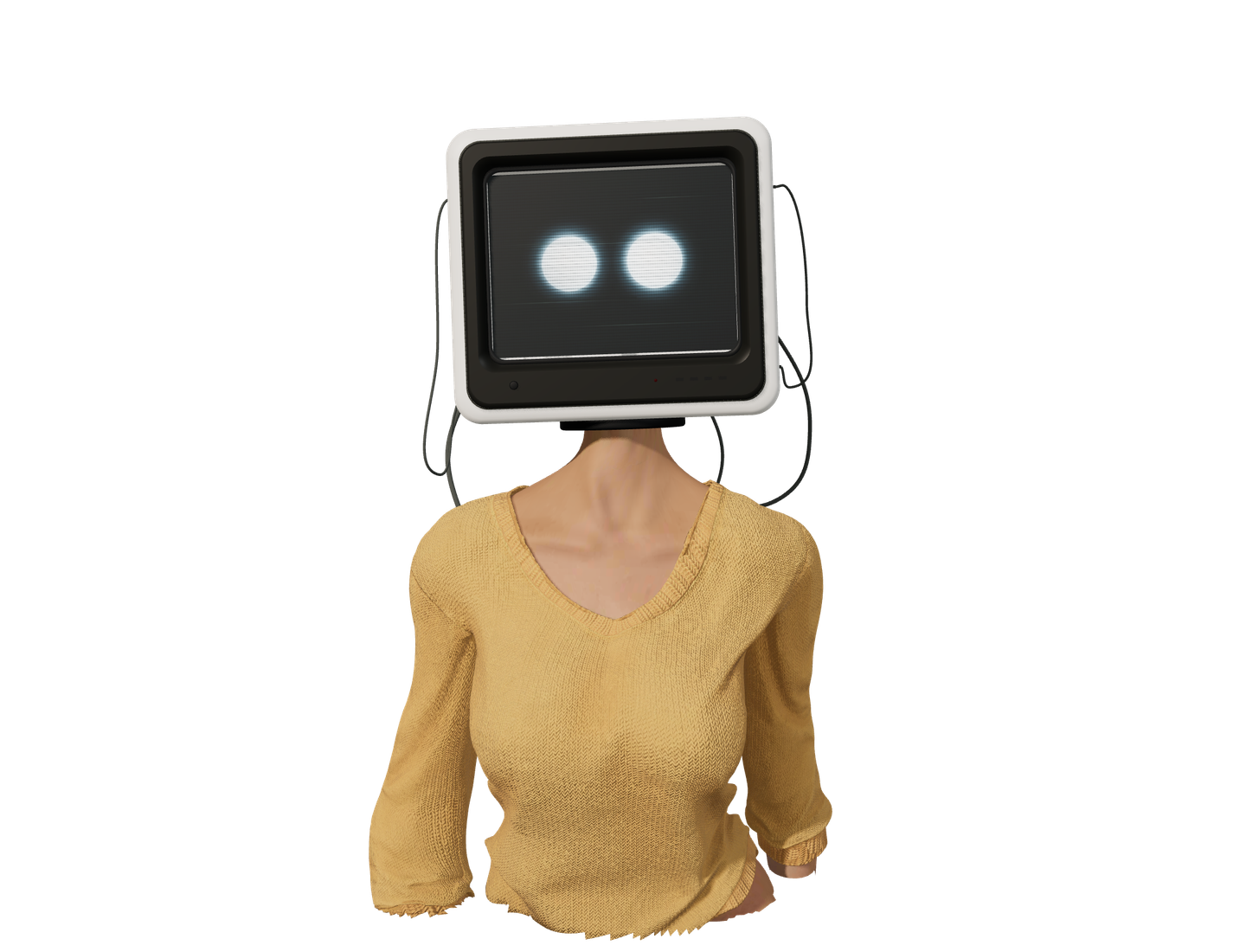
Run it once to see where the signal lands. Your job: make SIGNAL reach 42 and pass the IF check. A correct run opens the animated portrait. Your code will be here when you return.

  1. Trace the loop.

    ADD 7 runs five times. How many repeats would reach 42?

  2. Find another way.

    Try a different starting VALUE, or use MOVE 42 TO SIGNAL before the check.

  3. Break it on purpose.

    Try ADD 70 TO SIGNAL. Two PIC digits can only hold 0–99. Can you explain the error?

Syntax & controls

This is a bounded COBOL-inspired subset. Use one statement per line. Keywords and names are case-insensitive; full-line *> comments and blank lines are welcome.

Keep the division headers and final STOP RUN. Declare unsigned numbers in WORKING-STORAGE, using 01 SIGNAL PIC 99 VALUE 0. A PIC may have one to six 9s, or use 9(3) for three digits. Names start with a letter and may contain letters, digits or hyphens.

MOVE 0 TO SIGNAL replaces a value; ADD 7 TO SIGNAL increases it. Both accept a whole number or another declared variable. Values must fit their PIC; this interpreter reports overflow instead of truncating it.

DISPLAY SIGNAL prints its digits. DISPLAY "YOUR TEXT" prints a message. Double a quote inside a string to print it. Backslashes are literal.

PERFORM 6 TIMES repeats a block; close it with END-PERFORM. Counts may be 1–100. IF SIGNAL = 42 chooses a branch, with an optional ELSE and a required END-IF. Comparisons also support < and >. Blocks cannot be nested. Simple statements allow a final period; opening PERFORM, IF and ELSE lines do not.

Jobs are limited to 200 source lines, 8,192 UTF-16 source units, 200 output lines, 16,384 output units, 2,000 operations and one second. Failed jobs show no partial output.

Submit with Ctrl + Enter or ⌘ + Enter. Tab moves to the next control. Restore original resets the challenge; Undo restore recovers your source and result until your next edit or submission. Reloading starts fresh.

Your previous result is marked after an edit. Go to line selects the reported error line. The site does not save your code. Prefer to skip the puzzle? The × above opens the portrait too.